Gala Dinner Purchase Instructions
Instructions for Gala Ticket Purchase
1. Ensure you are logged into the website using your membership profile.
2. Navigate to the Gala Dinner page on the website.
3. In the “Select a Member” option at the bottom right of the page, select your membership.
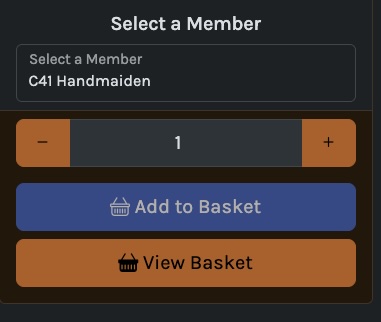
4. Select your menu choices and click “Add to Basket”.
5. Note: You may only purchase tickets for other members if their membership account is linked to your own.
6. If you wish to pre-order wine, this can be completed at the Merchandise page. Please note wine purchase is only available for those with a Gala Dinner ticket.
7. When all purchases are complete, click the “View Basket” tab to confirm your purchases and then click “Checkout”.
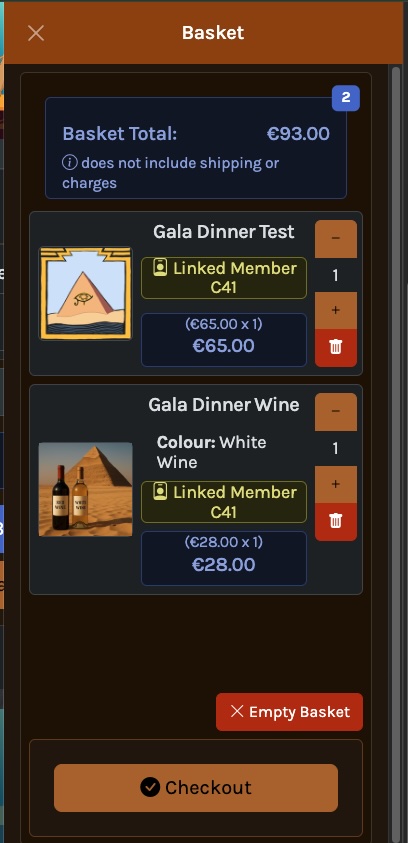
8. Complete the purchase following the on screen instructions.
Instructions for Allergens
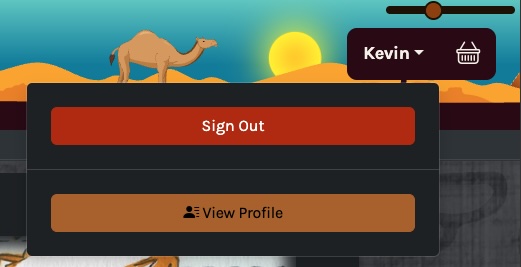
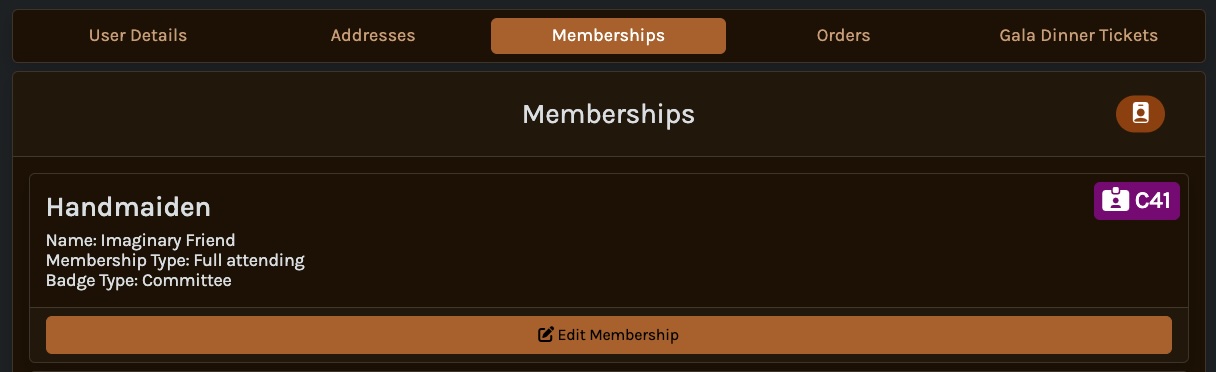
9. When the purchase is complete, click the drop down menu in the top right of the webpage and select “View Profile”.
10. Click on “Memberships” and click “Edit Membership”.
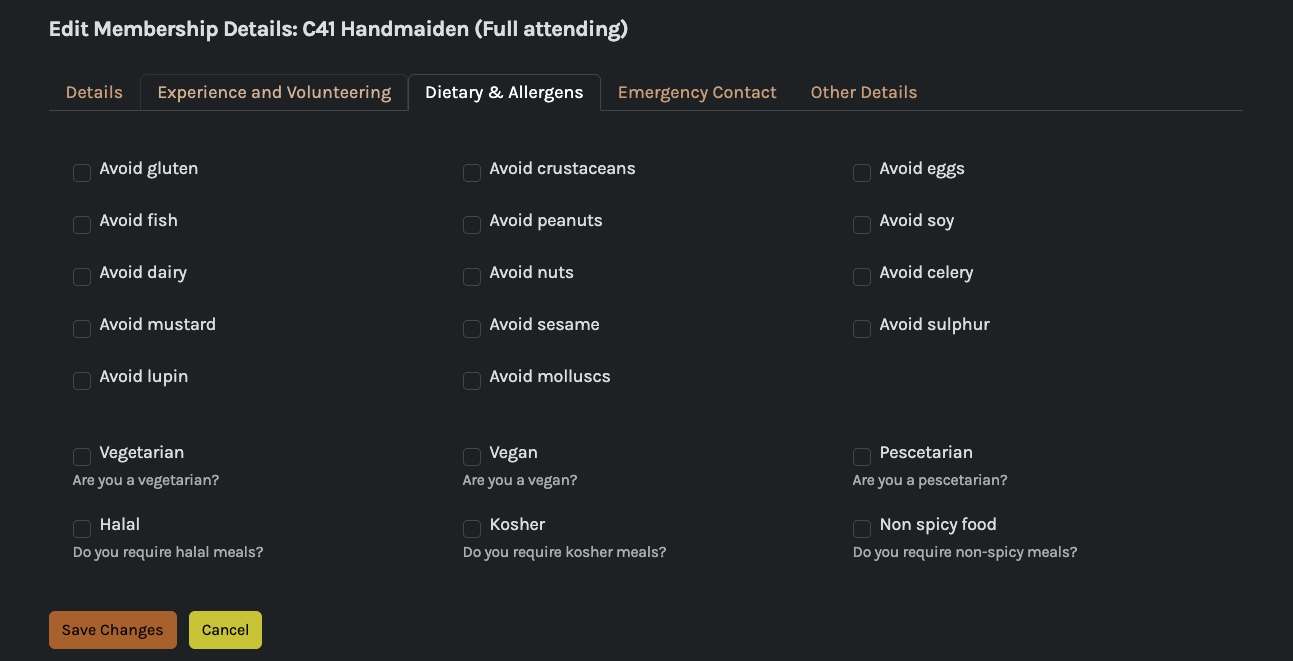
11. Select “Dietary & Allergens” and tick each choice that is applicable. When complete click “Save Changes”. If there are other dietary restrictions you need to inform us of this can be completed in the next section (Points 13 - 19).
12. Please note that it is the responsibility of each member attending the Gala Dinner to complete this section to inform us of any allergens by the 30 Sep 2025.
Instructions for Seating
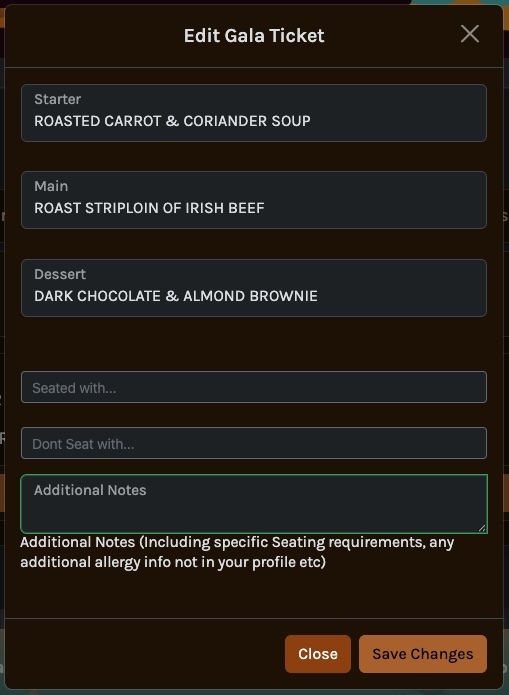
13. To make a request to sit at the same table as other attendees follow instructions below.
Please note that while we will make every effort to accommodate these requests, they may not always be possible.
14. Navigate to the “Edit Membership” page as per points 9 - 10 above.
15. Click on “Gala Dinner Tickets” and click “Edit” (Note: This option will only be visible if you have purchased a Gala Dinner ticket).
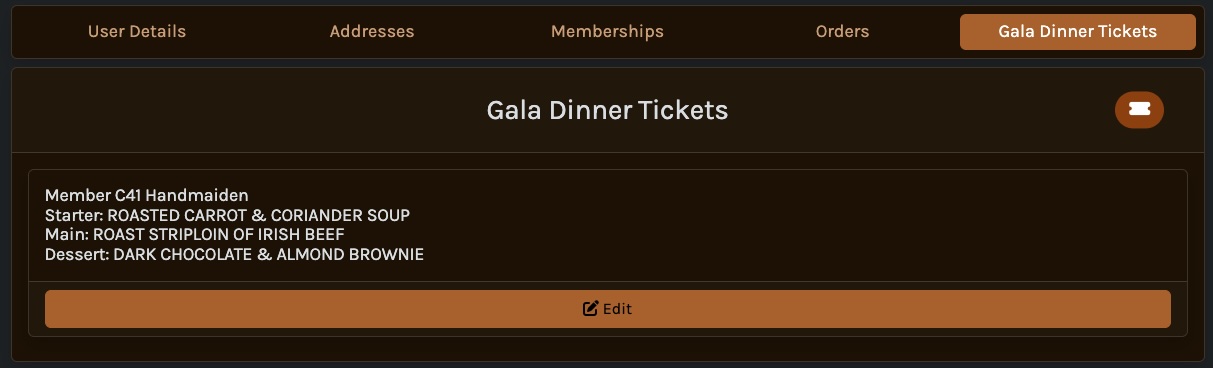
16. In the open window, seating requests and any additional allergen information can be included.
17. Select the names of persons you want / do not want to sit with from the drop down list.
Note that only members who have purchased a Gala Dinner ticket will be visible. A full list of members is available at the Member List page of our website.
18. This window can also be used to make changes to menu choices. The option to update your menu, allergens or seating arrangements is available only until 30 Sep 2025.
19. When complete click “Save Changes”.